A1fast / fuzzy
Generate the song
Suno · Udio · ElevenMusic
Fastest route to a convincing sketch, chorus, or mood reference. Great for range-finding; weaker for precise edits and provenance.
Best for: ideation↗
The AI music field guide · 2026
A practical map of generators, voices, stems, mix tools, licenses, and release rules — so AI helps you move faster without taking the wheel.
Explore the expanded 120-piece library →
01 / The map
“AI music” is bigger than text-to-song. Start with the job you need done, then choose the level of control and rights clarity your release requires.
Suno · Udio · ElevenMusic
Fastest route to a convincing sketch, chorus, or mood reference. Great for range-finding; weaker for precise edits and provenance.
AIVA · Stable Audio · MusicGen
Instrumentals, motifs, samples, and score beds. A better fit when structure, MIDI, or local experimentation matters.
Moises · LALAL.AI · RipX
Split, repair, transpose, and remix material you own or have permission to transform. Watch for bleed and phase artifacts.
Kits AI · Voice-Swap · ElevenLabs
Use an authorized model, your own performance, or a documented session singer. A voice model is never a blanket identity license.
Ozone · LANDR · sonible
Let an assistant suggest a starting point, then mix for the brief. Translation, dynamics, and taste still need a human sign-off.
Ableton · Logic · Pro Tools
The durable workflow is usually “generate or assist, then edit in a DAW.” Keep stems, versions, alternatives, and the human decisions.
01.5 / Visual receipts
Official product visuals make the trade-offs legible: where you can edit, where the platform is opinionated, and what “AI music” looks like when it meets a real interface.
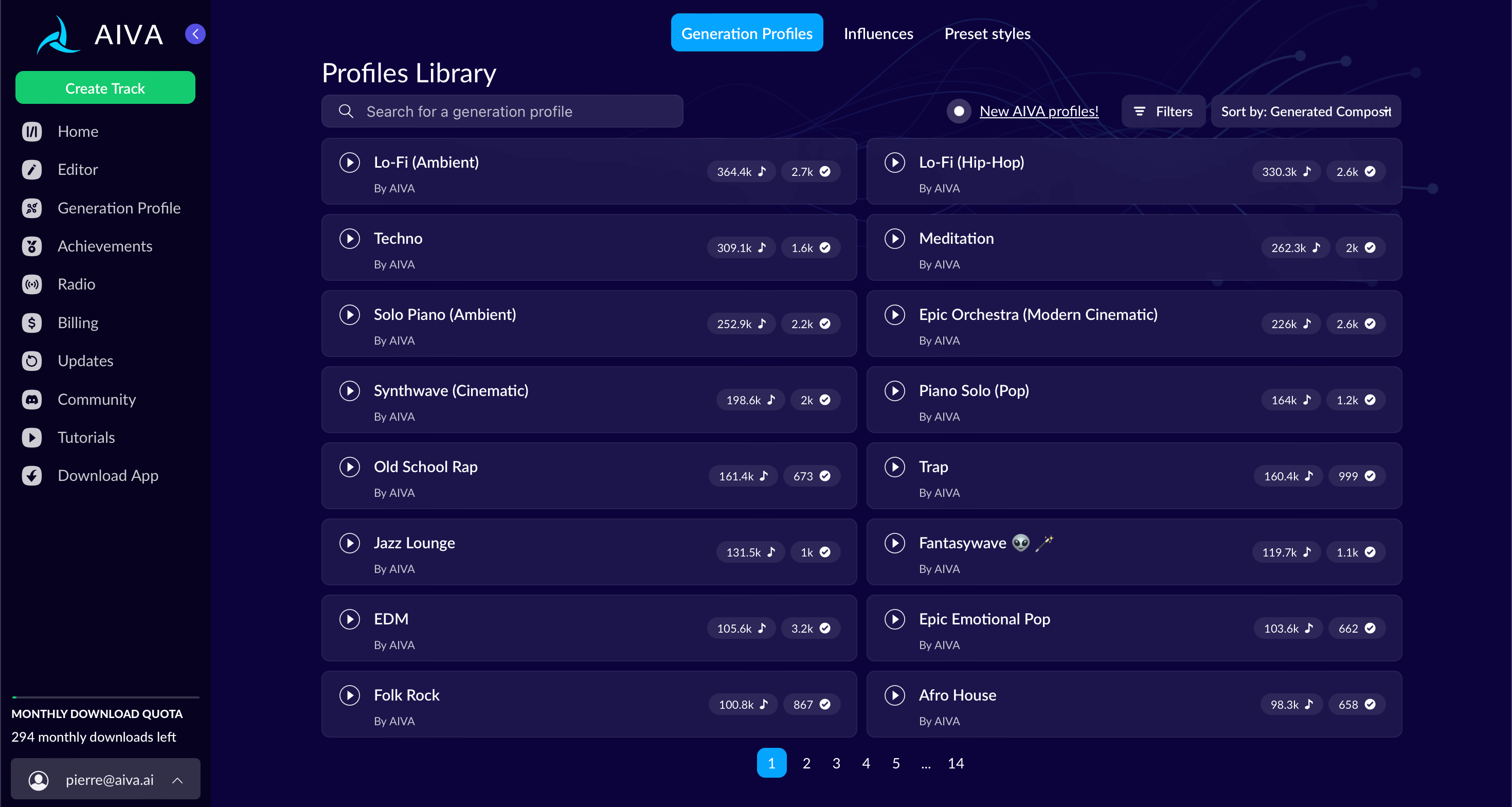
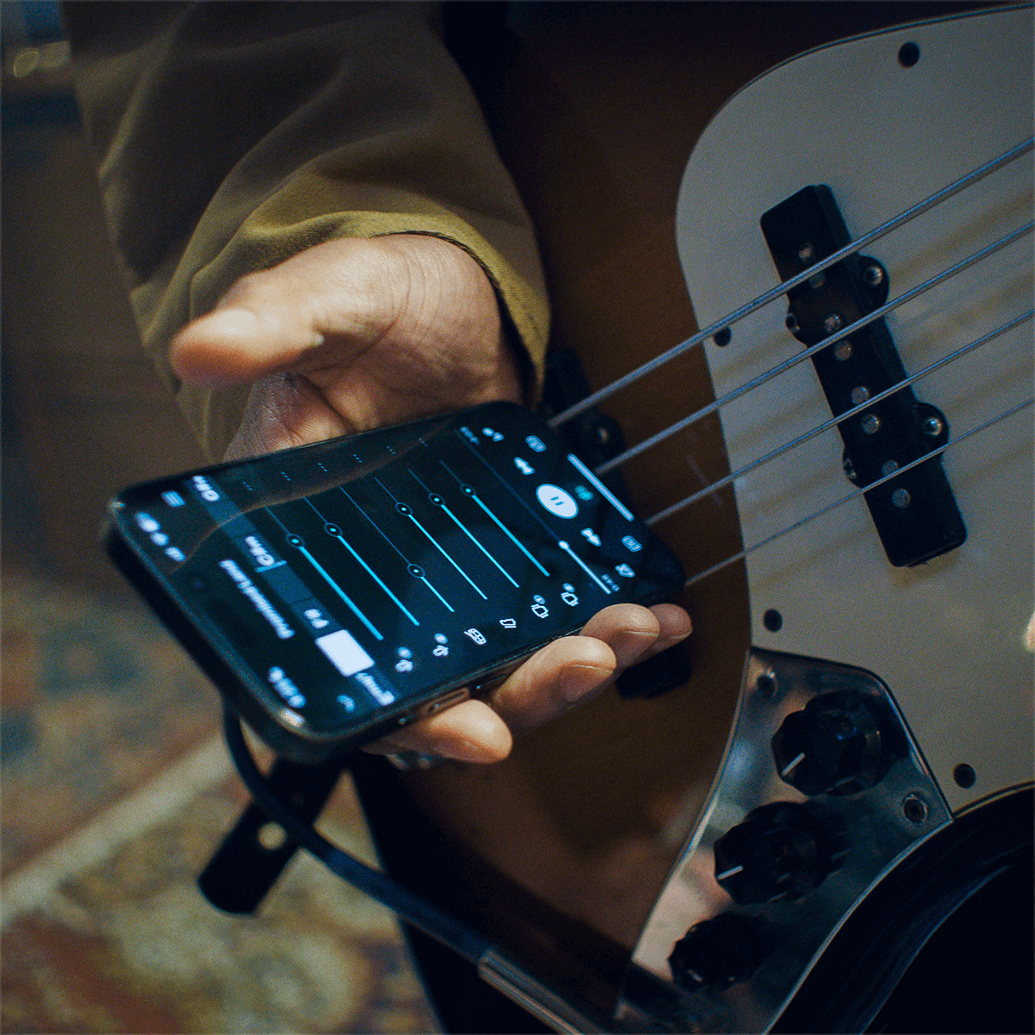
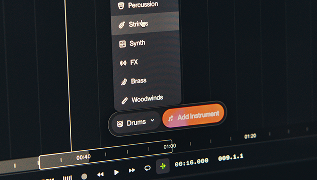
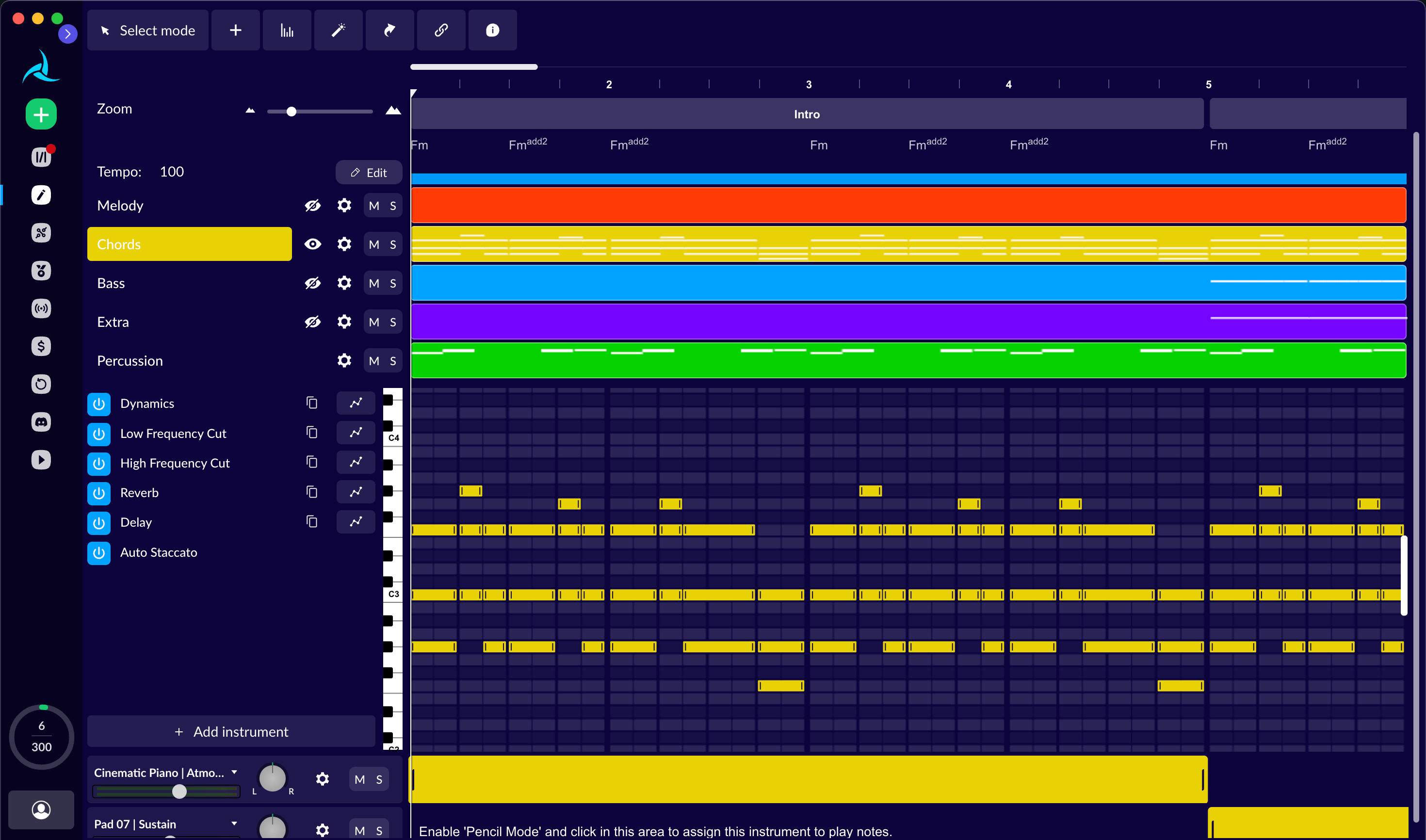


ASSET NOTE Official source visuals are shown for editorial identification and comparison. They are not presented as endorsements; see the asset manifest for sources and clearance status.
02 / The default workflow
The reliable path is not a one-click publish button. It is a chain of small, reviewable decisions that ends with a song you can explain.
Lyric premise, hook, rough melody, chords, or a recorded performance.
Ask for 3–10 contrasting arrangements — not one “perfect” prompt.
Keep the strongest moments. Discard the rest. Rebuild the form.
Replace weak parts, print stems, comp vocals, and mix to the brief.
Tool, plan, model, date, inputs, outputs, human edits, permissions.
Follow distributor policy. Disclose material AI use. Keep proof.
03 / Rights, without the fog
The question is never simply “Can I use this?” Check the contract, the human contribution, and what someone else could still claim.
Open the release checklist ↓Does the tool contract let you use, distribute, sublicense, or monetize this output for this exact use?
What did a human actually write, perform, select, arrange, or modify? Prompt-only output is legally weaker in the US.
Are the inputs cleared? Is the voice authorized? Could a platform, artist, or rights-holder challenge the result?
04 / Choose your lane
Different jobs want different trade-offs. Use this quick brief to get a sensible first stack.
05 / What is next
Quality is no longer the only frontier. The next unlock is predictable, editable, provenance-rich music that survives contact with a real release workflow.
Stem separation, session players, chord extraction, vocal repair, intelligent mix and mastering suggestions.
Chord, melody, structure, key, BPM, instrumentation, voice, and section-level editing in one place.
Systems that plan, arrange, edit, mix, document, and adapt a session — with a human still responsible for the result.
The likely winner is not a fully autonomous artist. It is a rights-aware production environment where a human can move from sketch to editable stems, authorized voices, final mix, release metadata, and audience disclosure without breaking the chain of evidence.
Signal to Song / field note 01Research desk