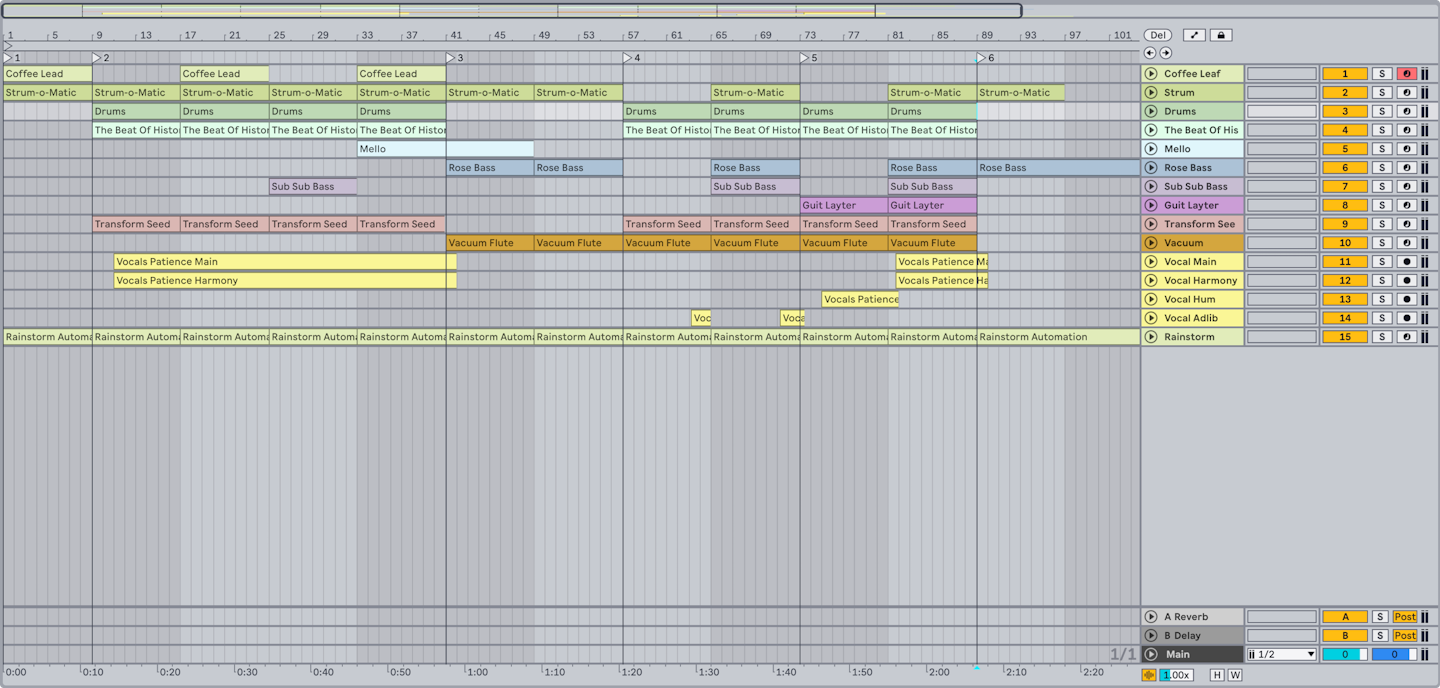
Version the decision, not just the file
A file called final_FINAL_new2 is evidence that the session stopped explaining itself. Use a small, sortable pattern instead: GlassGarden_2026-09-19_v07_arrangement. Increment the number only when a change is worth returning to: a new vocal comp, arrangement approval, mix direction, or plug-in substitution. Put a one-line change note beside it: v07 — chorus bass reprinted; lead vocal comp unchanged. This makes a collaborator’s first task clear: open the current version, then understand what changed since v06.
Do not overwrite the last approved state while experimenting. Duplicate the session before a destructive edit, and keep the reference bounce made at approval. The reference is not a master; it is a fast truth check. When the reopened session no longer matches it, you know exactly which version to compare.
Collect media, then freeze dependencies
A portable project contains its used audio, but it may still rely on plug-ins another studio does not own. Ableton explains that ordinary saving stores references to files; Collect All and Save copies used audio and media into the project, while plug-ins must be installed separately. So make two layers: the editable source session and a PRINTS folder with frozen or rendered audio for every dependency that shapes the song.
Example: GlassGarden/Session/GlassGarden_v07.als, Samples/Collected, PRINTS/05_Bass_SerumPrinted.wav, PRINTS/12_VoxDelay_100wet.wav, REFERENCES/v07_mix.wav, and NOTES/README.txt. Keep MIDI for the bass in MIDI/05_Bass.mid; include the rendered bass because the exact synth patch may be unavailable. If a processor changes the part’s identity, print a dry and an as-heard version.
Make a reopen test part of the send
Before upload, copy the package to a different folder or drive and open that copy. Look for missing-file prompts, silent instruments, missing samples, and tracks that no longer match the reference. This is not a claim that every system will behave identically; it is a modest check that your package is internally linked. Add a text readme listing DAW version, plug-ins that remain required, tempo map, sample rate, and the intended start point.
Avid’s Save Copy In documentation likewise distinguishes copying audio from converting it, and explains that a session copy can be used for archiving, versioning, or transfer. The cross-DAW principle is simple: package a self-contained copy deliberately; do not assume a session file is the session.
Exercise: package a five-track song
Take a small project with one virtual instrument and one creative effect. Create v01, then make v02 after changing one meaningful decision. Collect/copy media, print the dependent tracks, and create a readme. Open the copied package with the original project folder temporarily out of reach. Compare it to the reference mix, then record any dependency that did not travel. The payoff is a handoff that lets a collaborator make music first rather than spend the first hour hunting a missing snare.
Continue in Session craft, or MIDI, audio, or stems? Choose the handoff your collaborator can actually use.
Evidence & further reading
Go to the source.
Primary references checked 19 September 2026. Practical exercises are editorial guidance, not reported product tests.
- Collect All and Save ↗
Used media can be collected into a project, while plug-ins are not copied.
Ableton · Accessed 2026-09-19 - Pro Tools Reference Guide (2019.6) ↗
Save Copy In can package audio and is used for archiving, versioning, and transfer.
Avid · Accessed 2026-09-19