Name the three decisions
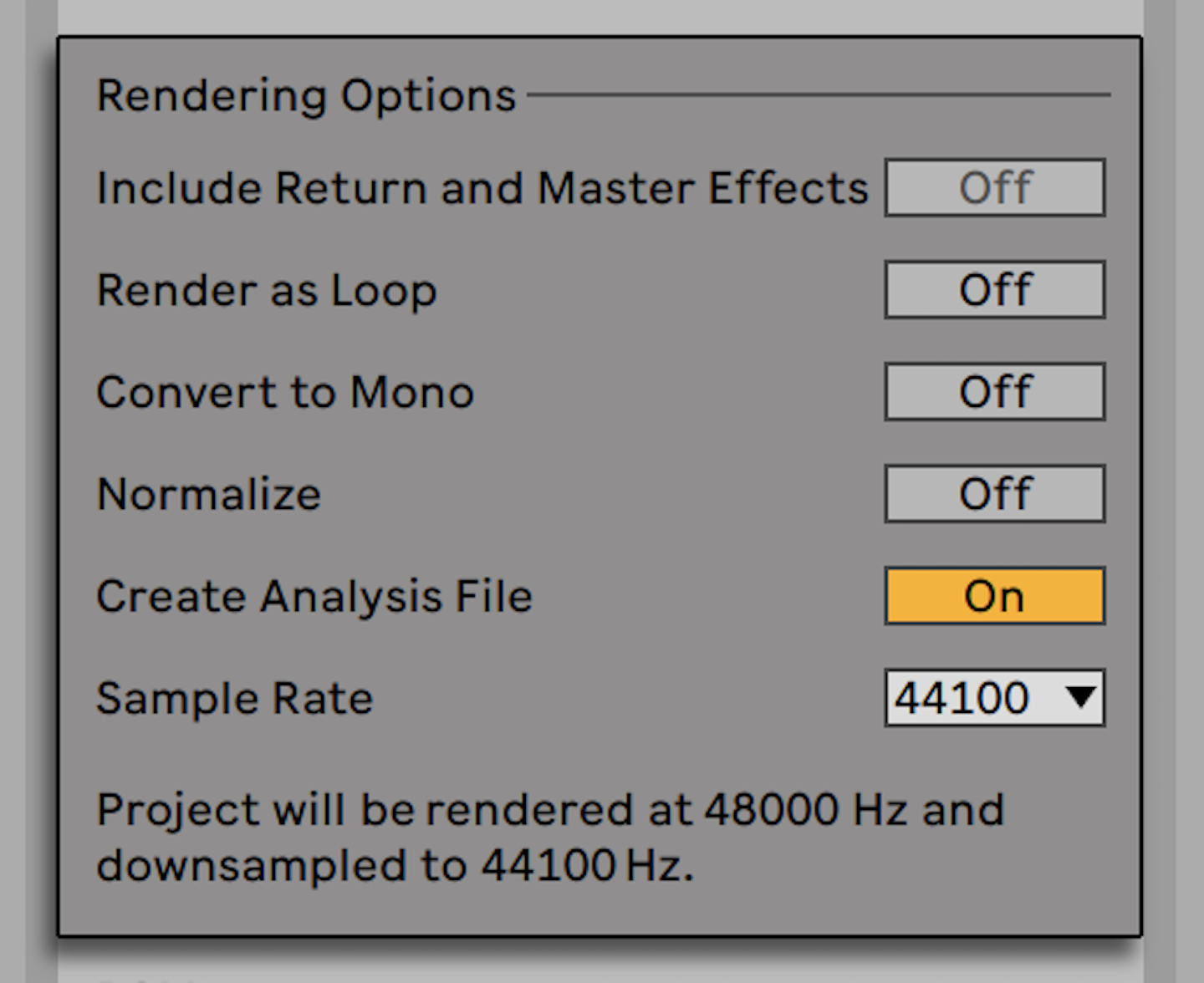
Sample rate and bit depth answer different questions, and recording format is not delivery format. First decide what the recording or picture workflow requires. Then decide the working session format that your team can maintain. Finally, make a delivery file to the destination’s specification. Confusion starts when one number is asked to do all three jobs. A 48 kHz session can be sensible for a video project; a delivery request may still specify another format. The correct response is a documented conversion, not a claim that the source was ‘ruined’ by not matching a mythic universal rate.
Avid’s session documentation says Pro Tools lets a new session choose sample rate, bit depth, and file type, and converts imports that differ from the session format. That is a concrete example of an ordinary production reality: mismatched files need an explicit path. Keep the original file alongside the converted working copy so another person can trace what changed.
Recording resolution is not recovered later
Do not up-convert an existing 16-bit or 44.1 kHz file expecting new detail to appear. A bigger container can be useful for a particular processing path or compatibility requirement, but it does not recreate information never captured. Likewise, a higher recording sample rate has costs in storage, CPU, and handoff complexity. Choose it because the production has a stated technical need, not because a larger number is automatically more musical.
Bit depth deserves the same clarity. Avid’s guidance distinguishes 16-bit, 24-bit, and 32-bit float workflows and notes that floating-point processing can help avoid clipping and rounding issues in some processing contexts. That supports a practical habit: protect headroom while you work, but do not confuse internal float processing with a reason to demand that every external recording arrive in 32-bit float.
Make conversion a named deliverable
Put the specification in the filename and delivery note: OrchStems_48k24b_WAV_v03, for example. State whether files are interleaved stereo, mono, or multichannel; where they start on the timeline; and whether any sample-rate conversion was applied. If you deliver a lower bit-depth version, create it from the approved final master and use the destination’s documented procedure. Do not repeatedly convert between formats while revisions bounce back and forth.
For a real request, ask for the receiver’s specification in writing. Avid’s bounce documentation lists format, bit depth, and sample-rate choices separately; that is the useful mental model. You need a target defined by the job, not generic folklore about what a streaming service, studio, or video editor ‘always’ wants.
Exercise: write a delivery card
For one current song, make a four-line delivery card: source/session format; requested destination format; one conversion step if needed; and file alignment rule. Export a short test file and reopen it in a blank session to confirm its rate, depth, duration, and start point. Then compare it to the source at matched level. The payoff is a reproducible delivery decision and a record of what was converted, rather than a pile of nearly identical files with increasingly mysterious names.
Continue in Session craft, or Streaming loudness targets sit on top of an ITU measurement standard.
Evidence & further reading
Go to the source.
Primary references checked 19 September 2026. Practical exercises are editorial guidance, not reported product tests.
- Pro Tools Audio File Type and Session Support ↗
Pro Tools sessions choose format, bit depth, and sample rate, and imports may be converted to session format.
Avid · Source date 2023-03-24 · Accessed 2026-09-19 - Bit Depths ↗
Avid describes 16-, 24-, and 32-bit floating-point audio roles.
Avid · Accessed 2026-09-19 - How to Bounce Mix a Session ↗
Bounce settings expose format, channel arrangement, bit depth, and sample rate separately.
Avid · Source date 2023-02-03 · Accessed 2026-09-19