Let the performance lead
A tempo map is a description of an existing performance, not a correction pass. Start with the cleanest guide: a solo piano, guitar, handclap, or vocal that makes phrase starts and bar changes audible. Listen once without a metronome and mark only structural events—first downbeat, verse entry, chorus lift, ritardando, final hold. If you add tempo events to every small fluctuation, you will build a grid that is technically busy and practically impossible to edit.
Decide whether the song has a constant tempo with expressive rubato or a genuinely variable pulse. Logic Pro’s Smart Tempo documentation explicitly distinguishes variable tempo, which can follow natural fluctuations in a live recording, from constant tempo. That distinction is useful beyond Logic: do not demand a single BPM from material whose expressive value is its movement.
Map big landmarks first
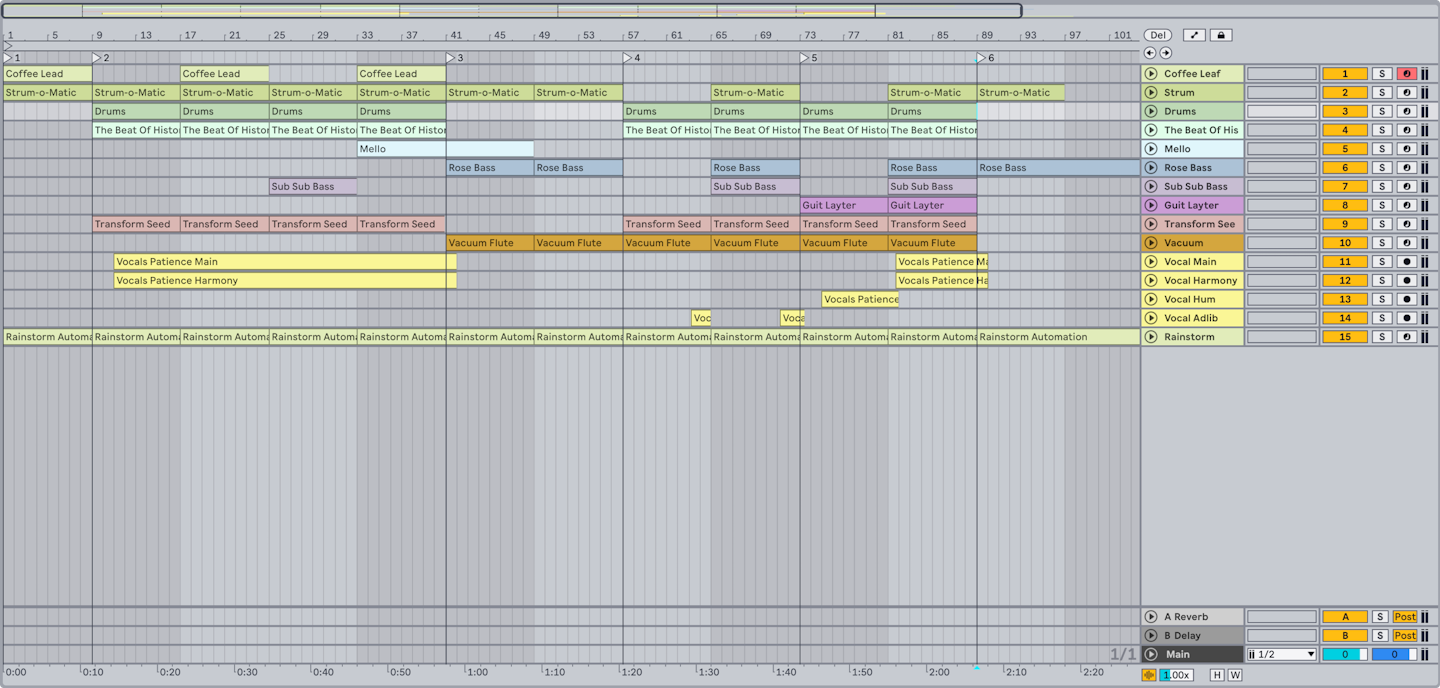
Set the project’s bar one to a musical downbeat, then place tempo markers at the beginning of sections. Work in four- or eight-bar spans before touching individual beats. Play the click quietly with the original; if it drifts gradually but returns at the next section, split the difference with one or two markers. If it is wrong at every bar, check whether you counted the meter correctly before adding more automation.
Where the performance has a pickup, preserve it as a pickup. Do not move the first note to bar one just because it makes the ruler look tidy. Give collaborators a note such as ‘two-beat pickup before bar 1’ and ensure any consolidated stems include that pre-roll. A musical grid should explain where a drummer can enter, not erase the song’s breath before it begins.
Add parts against the map, then challenge it
Record a simple percussion or bass overdub against your first map. If the player must fight the click, revise the map rather than assuming the player is wrong. A good map supports the original take and a new take at the same time. Once the overdub works, check edited audio at transitions: a time-stretched held chord may need an intentional crossfade or a different warp mode rather than another tempo point.
Keep the original guide unwarped when possible. Use the map to organize later elements around it; use stretching only when an edit requires it. Ableton’s warping documentation makes clear that audio timing can be adjusted independently of pitch. That capability is powerful, but its availability is not an instruction to stretch every expressive micro-shift into uniformity.
Exercise: map one verse in two resolutions
Choose a 30-second free performance. First make a map with only four landmarks: start, two phrase turns, end. Record or program a simple kick on downbeats. Then make a second version with a marker every bar. Compare how quickly you can edit an eight-bar copy and how naturally each version supports a new overdub. Keep the simpler map unless the extra markers solve a specific audible problem. The payoff is a tempo map that gives your collaborators a trustworthy framework without pretending human time is a mistake.
Continue in Session craft, or Live 12 put MIDI generators and a neural sound search in the browser.
Evidence & further reading
Go to the source.
Primary references checked 19 September 2026. Practical exercises are editorial guidance, not reported product tests.
- Logic Pro Smart Tempo overview ↗
Smart Tempo provides tempo analysis and beat-marker editing.
Apple · Accessed 2026-09-19 - Intro to Smart Tempo in Logic Pro for iPad ↗
Variable tempo can follow natural fluctuations in a live recording.
Apple · Accessed 2026-09-19 - Audio Clips, Tempo, and Warping ↗
Audio timing can be synchronized and adjusted through warping.
Ableton · Accessed 2026-09-19